If a salon chain’s locations aren’t managed in one system, each one might be set up differently, and standardizing them takes a lot of manual work. That work multiplies further when booking, payments, and client notes are in separate tools that don’t share information, because someone has to carry details from one tool to the next by hand.
Effective chain salon software removes that extra work by giving you:
- One client profile across every location. Every location sees the same client history.
- One place to set up services, products, and prices. You enter each one a single time, and it applies to the locations you choose.
- One profile and one login for each service provider. Service providers who work at more than one location are managed in one place.
- One set of reports for the whole chain and for each location. You see how the whole business is doing without the work of combining reports yourself.
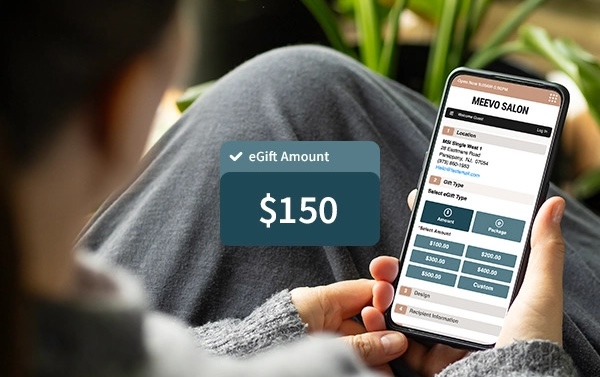
- Memberships and gift card balances that work across locations. A client can buy a membership at one location and use it at another, and staff at any location can look up their gift card balance.
The software also has to work for locations with several stylists each. When the stylists are busy with clients all day, the software should do the work of keeping the appointment book organized, checking out many clients quickly, calculating each stylist’s pay, tracking the products used and sold, and bringing clients back for their next visit.
In this guide, we compare five chain salon software options, starting with our own software, Meevo. Meevo is a salon management software for businesses with multiple locations and several stylists at each one. It runs online booking, checkout and payments, payroll, inventory, marketing, and reporting all in one system, and you manage every location from one place.
Schedule a Meevo demo to see how Meevo runs a salon chain from one system.
1. Meevo: All-in-One Software for Salon Chains with Several Stylists per Location
Meevo is a salon management software built for multi-stylist, multi-location businesses and franchises. Add your services, products, prices, and clients one time for the whole business and choose which locations use them. Each location then runs its own day in the same system, and a new location starts with the information you have already set up.
Meevo is also easy to use, and it automates work your team would otherwise do by hand, such as filling cancelled appointments from a wait list and creating purchase orders when stock runs low. Front desk staff and managers spend less time on administrative tasks, so stylists have more time with clients.
Below, we look at how Meevo:
- Gives you control over which services and prices apply to which locations, and keeps client information the same everywhere
- Fills the schedule, reduces no-shows, and creates a quick and convenient checkout experience for clients and staff
- Gives owners clear reports on sales, clients, and stylists, for the whole chain or for each location
- Simplifies the back-office work of running multiple locations, including payroll, inventory, and marketing
- Gives your team hands-on onboarding, including moving over your existing data, and US-based support after launch—with a 98.5% client support rating
Meevo was designed with chain and franchise salons and spas in mind. Some of the country’s best-known brands in the industry, including Massage Envy and Sweet and Sassy, already use it to manage their locations.
Manage Your Salons From One Place Instead of Repeating Work at Each Location
A salon chain can keep its services, products, and client records for every location in one system.
Meevo’s Central Office is where you manage everything your locations share. You add a service, product, or membership one time and choose whether it applies to all of your locations or only some of them. Central Office statistics, such as sales analysis and sales ranking by location, also show you which locations are doing best.
View this post on Instagram
From there, Meevo keeps your locations connected and still lets each one run its own day:
- You choose what each location can change on its own. Some settings stay the same across the chain, and others a location manager can adjust.
- You can schedule price changes ahead of time. Set them by location, region, or market, with local overrides where you allow them.
- A new location starts with the information already in Meevo. When you open another location, your services, products, and other data are already there. Meevo works for a business with one location or hundreds.
- Client profiles are shared across locations. A client’s history, purchases, and notes show up at any location they visit, so every stylist sees the same record.
- Memberships can be redeemed at any location. Clients can book and check out using their accrued membership services at whichever location they visit, which makes it more convenient to stay a member—and helps to increase your income per customer.
Multi-Location Booking Tools Fill the Schedule for a Busy Team of Stylists
At a chain salon, clients choose which location to book at, and each location’s team has to keep its own stylists busy. Meevo’s booking tools work for both, and staff can book a client at any location, not just their own.
Clients can book online 24/7 from your website or from a link on your social media pages. They can search by location, and each location can have its own booking page and messaging, all in your brand’s colors and logo.
Staff work in a drag-and-drop appointment book that is color-coded by service, so they can see the whole day at a glance and easily move an appointment by dragging it to a new time.
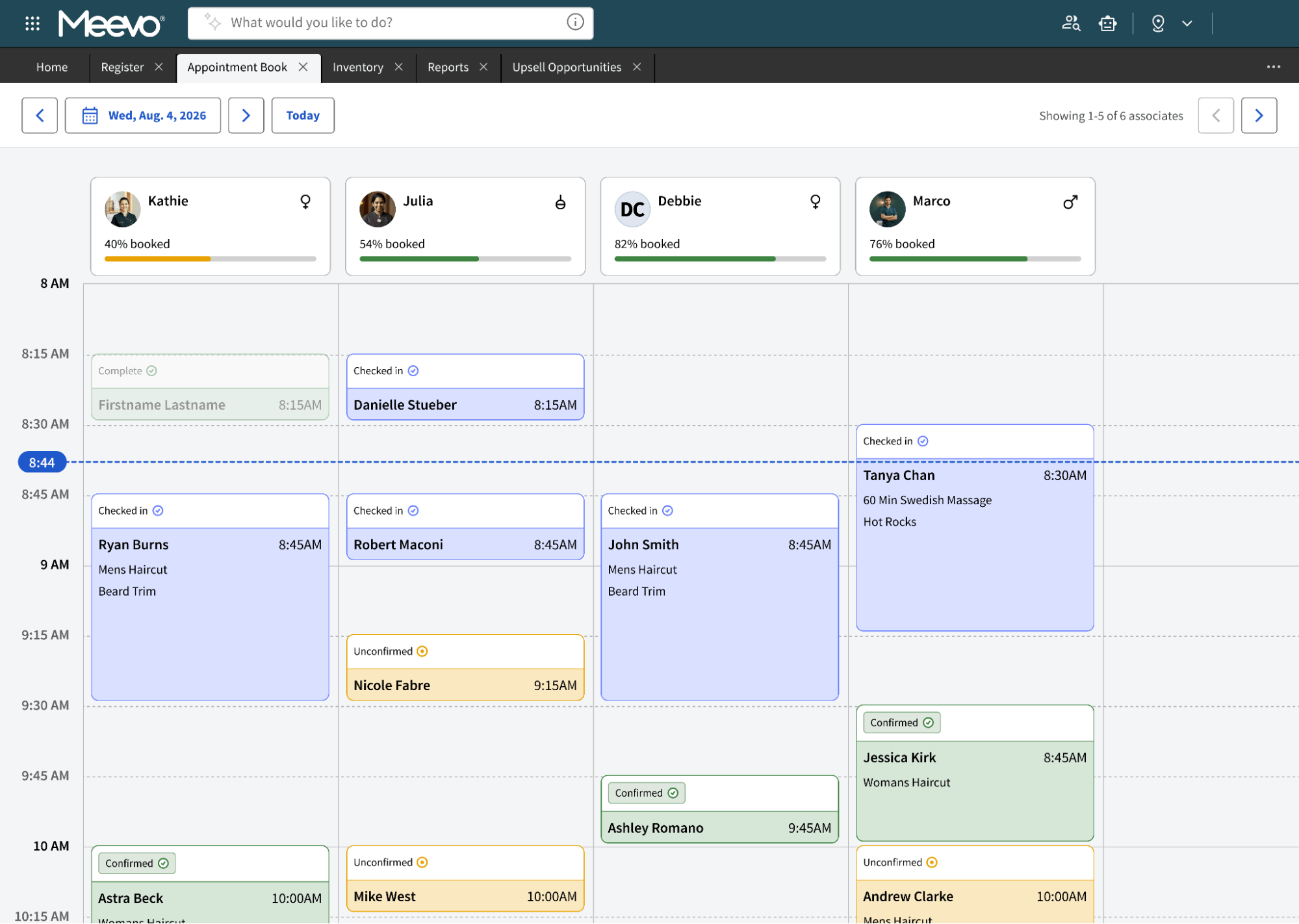
Behind the scenes, Meevo’s booking tools do much of the work for your front desk:
- The AI Receptionist answers your phone. Meevo’s Front Desk Advisor books, reschedules, and cancels appointments, including several services in one call, and it follows each location’s hours and policies. You choose when it is on, such as only after hours or when the front desk is busy.
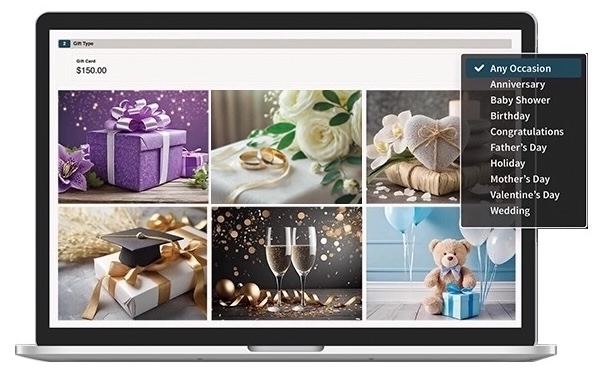
- The MeGo client app makes it easy for clients to book at any of your locations. The app carries your business’s name. Customers can easily select which location they want to view and book at. They can also check in when they arrive, message your staff, buy gift cards and products, and see their upcoming appointments.
- Intelli-booking and Precision Booking keep the schedule tight. Intelli-booking learns how long each client takes for each service and sets appointment lengths to match. And appointments can be set in 5, 10, or 15-minute slots, so short services fit into small gaps.
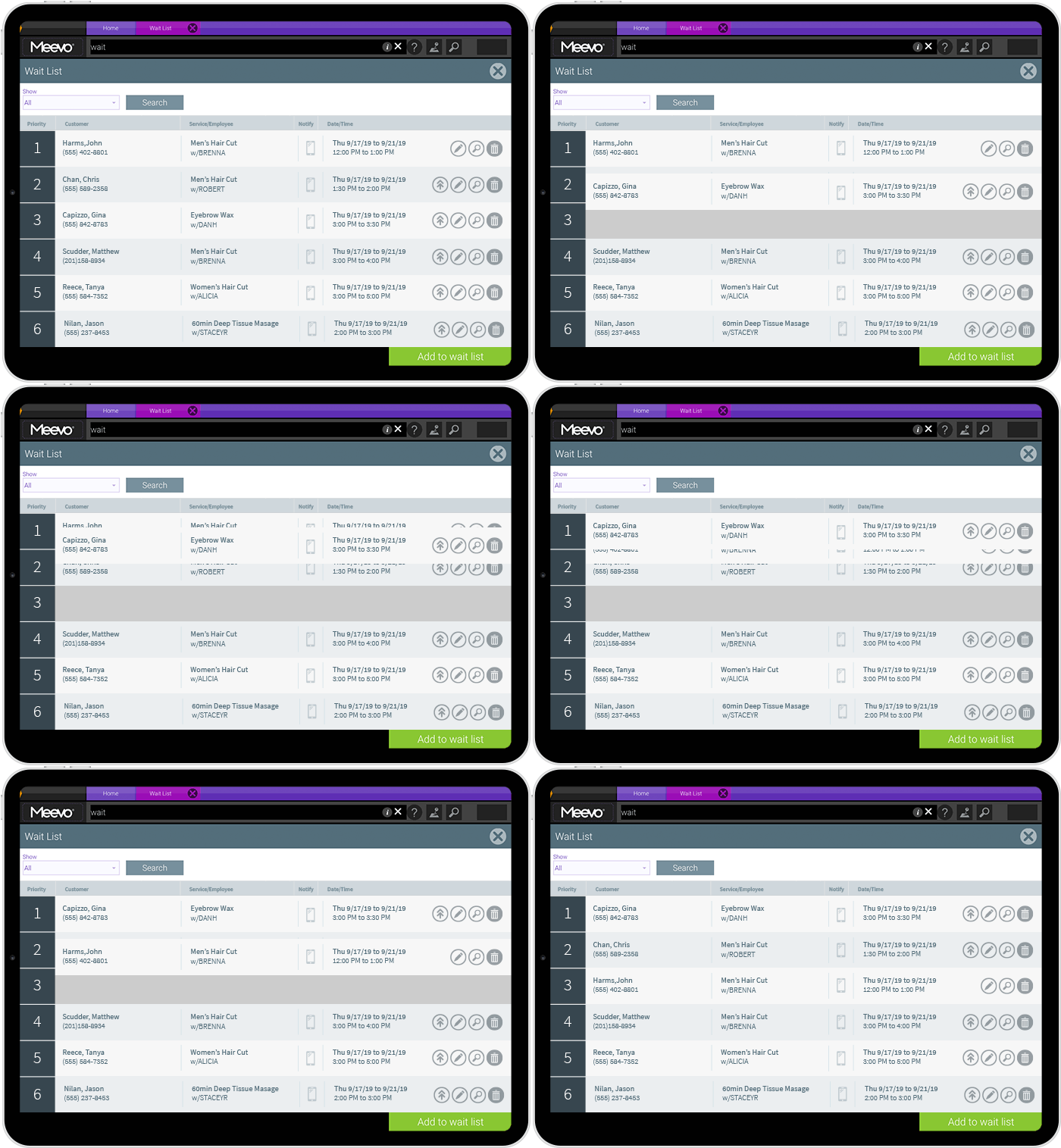
- The wait list fills cancelled appointments automatically. Clients can join it when they book online, or your front desk can add them. When a slot opens, Meevo texts matching clients one at a time until someone takes it. You can also put your VIP clients at the top of the list.
- Convobar®, Meevo’s AI search bar, lets staff find what they need by typing or saying it. A front desk employee types or says “Highlights with Amy on Saturday,” and Meevo immediately shows the open times. They can also use it to go straight to a client profile or any other screen without clicking through menus. This can speed up appointment scheduling by up to 10x compared to working through the calendar by hand.
- Appointment reminders and deposits protect your schedule from no-shows. Clients get an appointment confirmation and reminders by text or email, and they can reply to confirm or use the provided link to reschedule. Clients also accept your cancellation policy when they book online, and you can require a deposit, which has virtually eliminated no-shows for salons that use it.
“Since we started with Meevo, we took our prebook rate from 19% up to 83%—that’s one of the things that really sticks out in my mind. Having that ability to measure with Meevo, just at our fingertips, is so effective.”
— Christi Newell, Co-Owner of A Glo Salon & Spa
Built-In Payment Processing Simplifies Checkout and Membership Management
Checkout is the last thing a client does before leaving, and at a busy location, the front desk is often checking out several clients one after another. The faster and simpler it is, the better the visit ends.
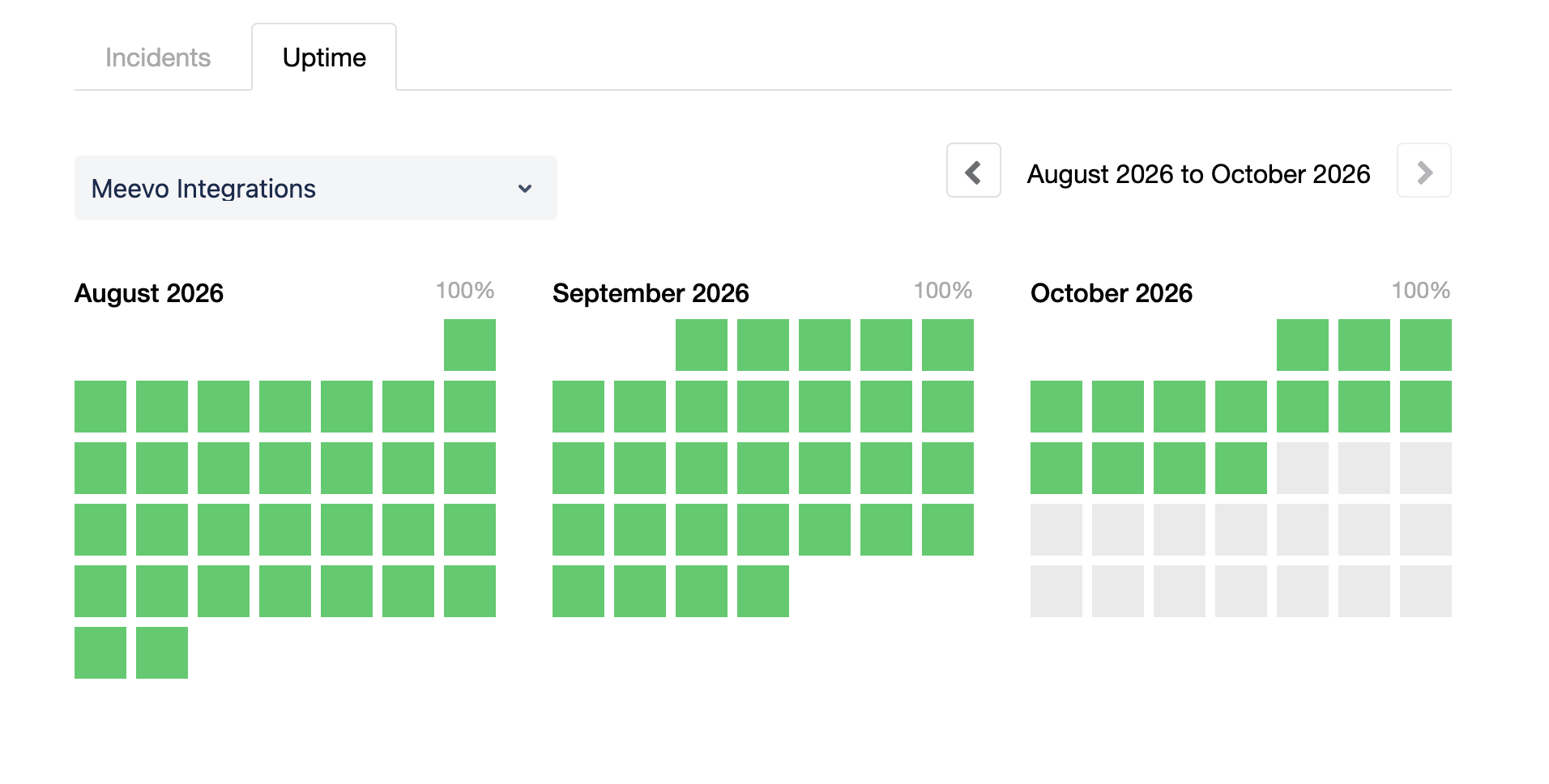
MeevoPay is Meevo’s built-in payment processing and POS system, with a minimum of 99.95% uptime, so checkout stays available when clients are ready to pay. Checkout takes three clicks and a swipe or tap, and clients can also pay with Apple Pay or Google Pay. Stylists can check clients out chairside, and clients can pay from their own phones with Self-Pay.
“Our guests absolutely love the checkout experience now that we have MeevoPay. It was a noticeable difference. We have hundreds of people telling us every week how much easier it is now.”
— Ashley, Guest Care Director of J. Con Salon
Because payments are built into Meevo, they connect to the rest of your business:
- Daily transactions and deposits are recorded in the same system as your sales. You can check each location’s payments against its sales without leaving Meevo.
- Gift card balances are tied to the client profile. Staff at any location can look up a client’s balance.
- Membership dues are charged automatically each month. Declined payments are retried automatically, and you set how many times and how often.
- A fixed billing date and automatic card updates keep membership payments on track. You can set a fixed billing date for memberships and payment plans so it does not depend on the day a client signed up. When a client’s card expires and the card issuer supports it, MeevoPay gets the updated expiration date, so your team does not have to contact the client.
- MeevoTips sends tips to service providers the same day. Salons using it see an average 22% increase in tip income, and the client covers a small processing fee, so your salon does not pay card fees on tips.
If a client files a chargeback, MeevoPay has an in-house team that handles the whole process for you. MeevoPay wins about 53% of chargebacks, compared to an industry average of 35% to 40%, and its chargeback rate stays under 0.02% of all transactions.
Real-Time Reports Show Owners How Every Location Is Doing, Individually and as a Chain
Meevo includes more than 150 built-in reports made specifically for the salon industry, covering client retention, employee performance, payroll, memberships, inventory, and more. It shows live numbers and reports for one location, a group of locations, or the whole chain, so you can make smart decisions about things like staffing and marketing based on current numbers.
Meevo gives owners and managers several ways to see their numbers:
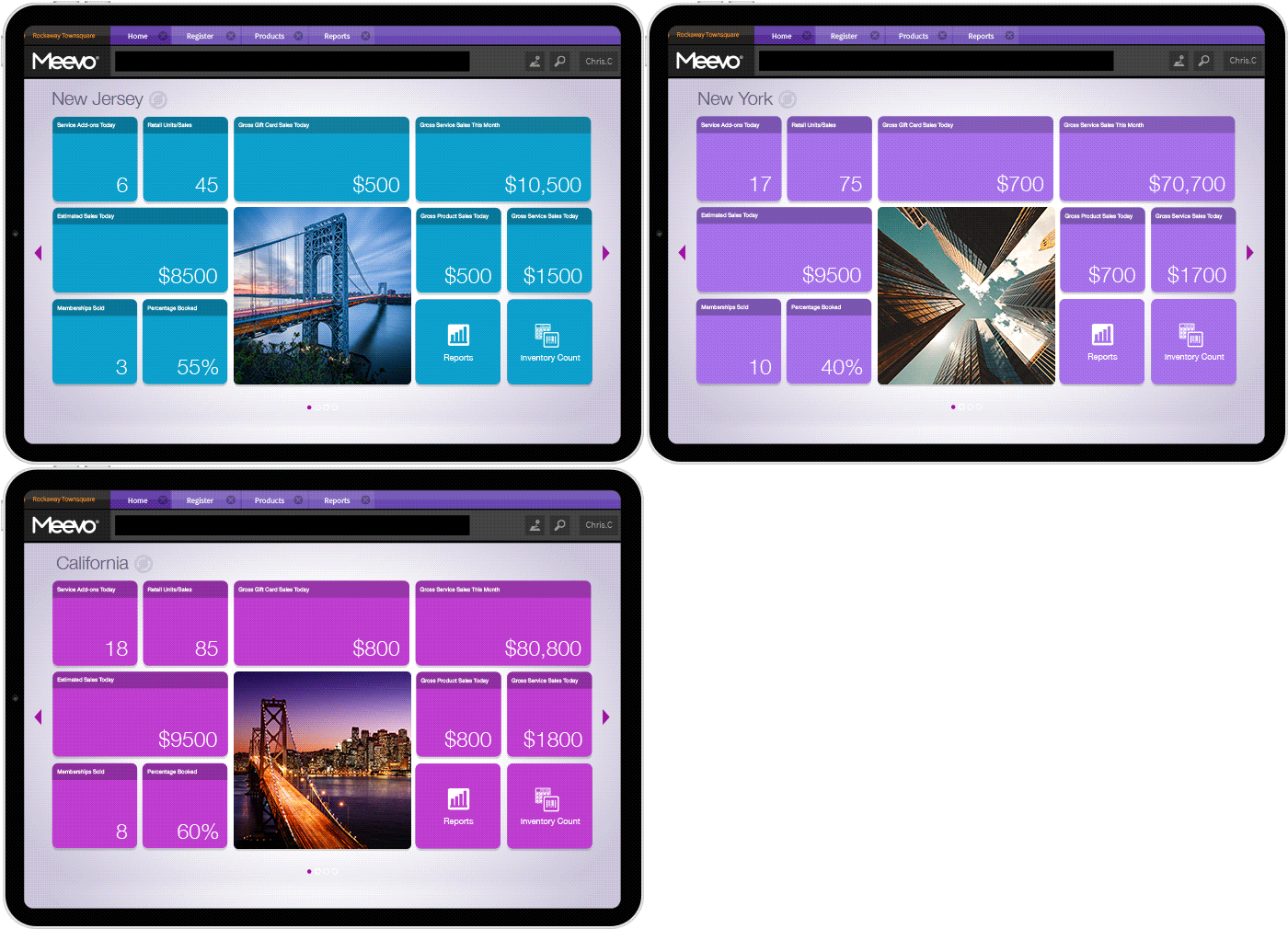
- The Smart Center is Meevo’s main dashboard, and it is the first screen you see when you log in. It shows live information on tiles that you choose, such as sales numbers, today’s appointments, or progress toward a goal. You can set up a different Smart Center for each role, so an owner, a manager, a front desk employee, and a service provider each see their own numbers. The Global Smart Center shows numbers for all your locations on one screen.
- Location Groups let regional managers run reports for only the locations they oversee. A regional manager sees their own region without having to sort through the rest of the chain.
- One combined report per service provider puts everything you need for a review in one place, so you don’t have to pull several reports for one review.
- Performance Dashboards show your numbers as charts and graphs, so you can see trends over several months. They cover client demographics, appointment traffic, employee attrition, memberships, and sales.
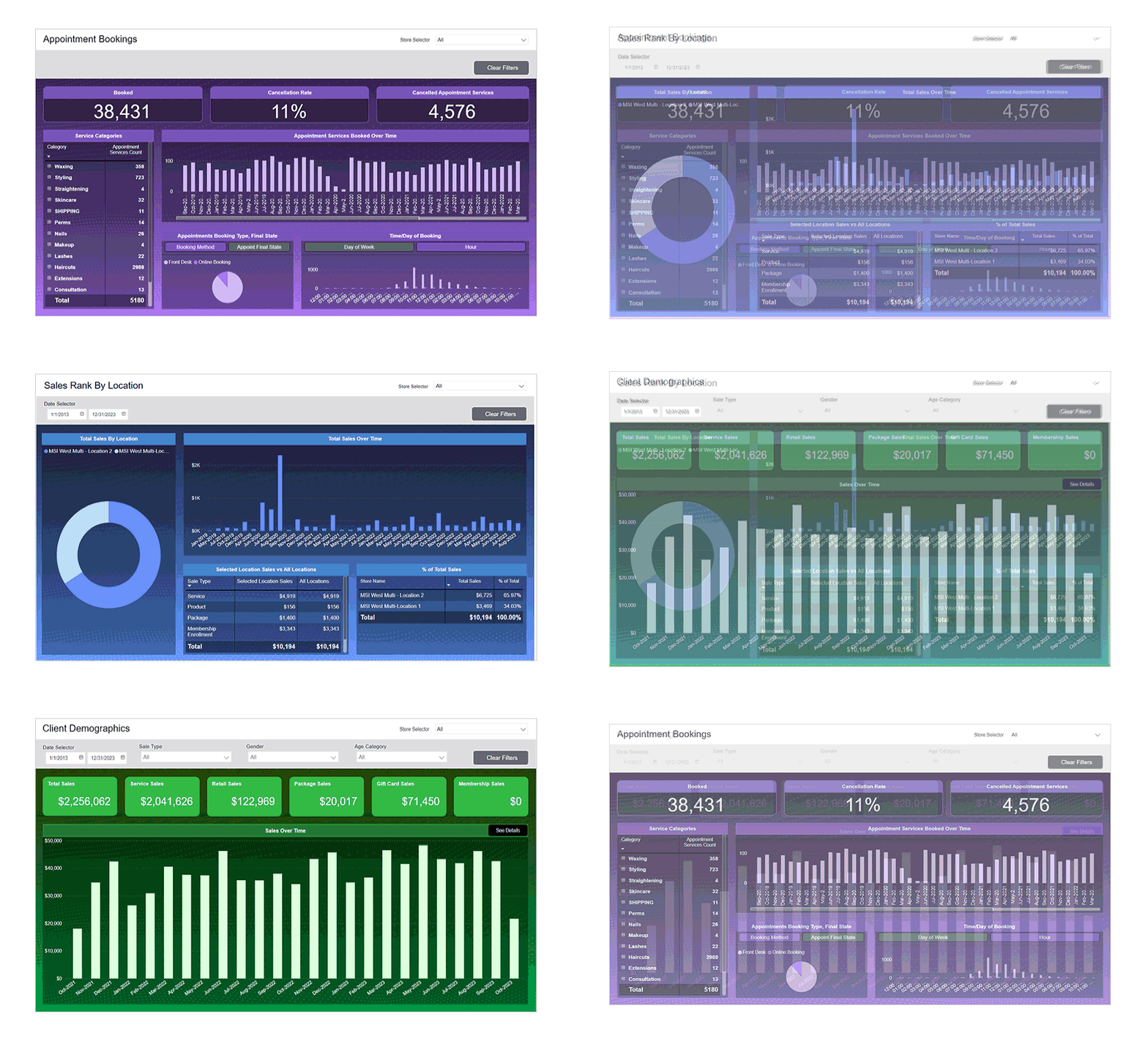
- The Meevo Business Intelligence (BI) app puts your key business numbers on your phone, so you can check them from anywhere. You can compare locations, track progress toward goals over date ranges you choose, and measure the numbers for individual staff members. You also control which team members can use the app and whether each person sees business-level or employee-level numbers.
“Since we’ve started using Meevo, we can depend on increases every year—and those are trackable increases. It’s the metrics that we get from Meevo.”
— Jay Bullock, Founder of Local Honey Salon & Apothecary
Staff Management Stays Simple Even When Stylists Work at Several Locations
At a chain, the same stylist may work at more than one location. Meevo makes it easier to manage their schedule and pay across all of them.
- Each stylist has one profile, username, and password for all locations. You set up a stylist one time instead of at each location where they work. Stylists can also use the MyMeevo employee app to view their schedule, request time off, and clock in and out from their phones.
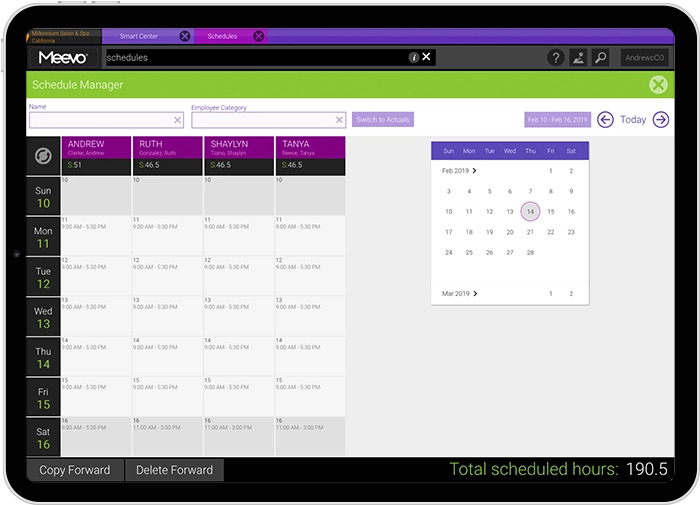
- You can manage staff schedules for all your locations in the Scheduling Manager. It shows the whole week at a glance, and you set hours and time off with copy and paste or a single click.
- The multi-location payroll setting pays stylists who work at several locations from a home location. Pay can be hourly, salary, or commission. Commissions can be tiered or sliding, and you can set different rates for services, packages, retail, and memberships.
- Payroll reports show how you are paying each team member. Meevo calculates pay using time-clock, booking, and sales data, and you can export payroll information or connect payroll to ADP.
Inventory Management and Marketing Tools Save Your Team Time and Bring Clients Back
Your products are shared across all your locations. Meevo uses that shared information to handle inventory and marketing for every location from one system.
This lets Meevo do much of the work for your team, so they can spend their time with clients instead of on tasks like ordering products and sending emails:
- Products are entered one time in Central Office, and a product that comes in several sizes is entered once, with all sizes on the same screen. Staff can scan product barcodes with a mobile device and update stock from anywhere in the salon.
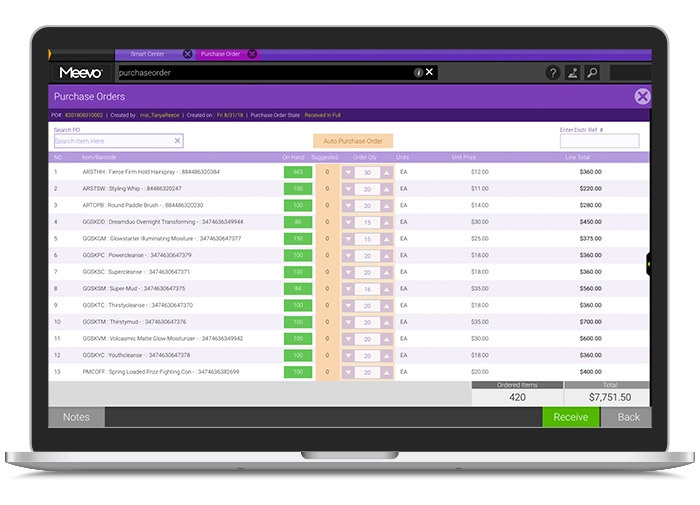
- Purchase orders are built automatically from your stock levels and how quickly you sell or use each product, and Meevo creates them before you run out.
- Centralized marketing and client management let you send emails to groups of clients across all your locations, such as new clients, overdue clients, birthdays, and loyalty members. Journeys send an email or text automatically a set number of days after a client’s last visit, with a link to rebook.
- Meevo’s AI tools help with your campaigns. The AI writing assistant helps write your emails, and the MeevoIQ AI Marketing Advisor finds where your business is missing revenue and suggests an offer for those clients. Each suggestion shows how many clients it reaches and how much revenue it is expected to bring in, and nothing is sent until you approve it.
- Online Presence Management keeps your listings accurate on Google, Yelp, Facebook, and other sites for every location, all from one dashboard. Reviews from all your locations come into one place, and Meevo can write replies to them in your brand’s voice.
Hands-On Onboarding and US-Based Support Help Your Team Switch to Meevo
Switching a chain to new software means moving every location’s information and training every location’s team. Meevo’s team helps you with both, and training and multi-location support continue after you go live.
Meevo guides your team through the switch with:
- A data services team that moves your data from your old system, with data cleanup built into the process.
- A dedicated implementation specialist who guides your setup. A sandbox with your own data lets your team practice, test features, and check the data before launch, and live training prepares your staff to use Meevo from the first day.
- A dedicated client success manager after you go live, along with US-based support by phone and live chat. Your locations also have their own support team available on the day you go live. Meevo’s support team holds a 98.5% client support satisfaction rating.
See how Meevo lets you set up services and prices once for every location, share client profiles and memberships across locations, and see reports for the whole chain or each location. Request a demo today.
2. Zenoti: Multi-Location Management Software for Beauty and Wellness Businesses
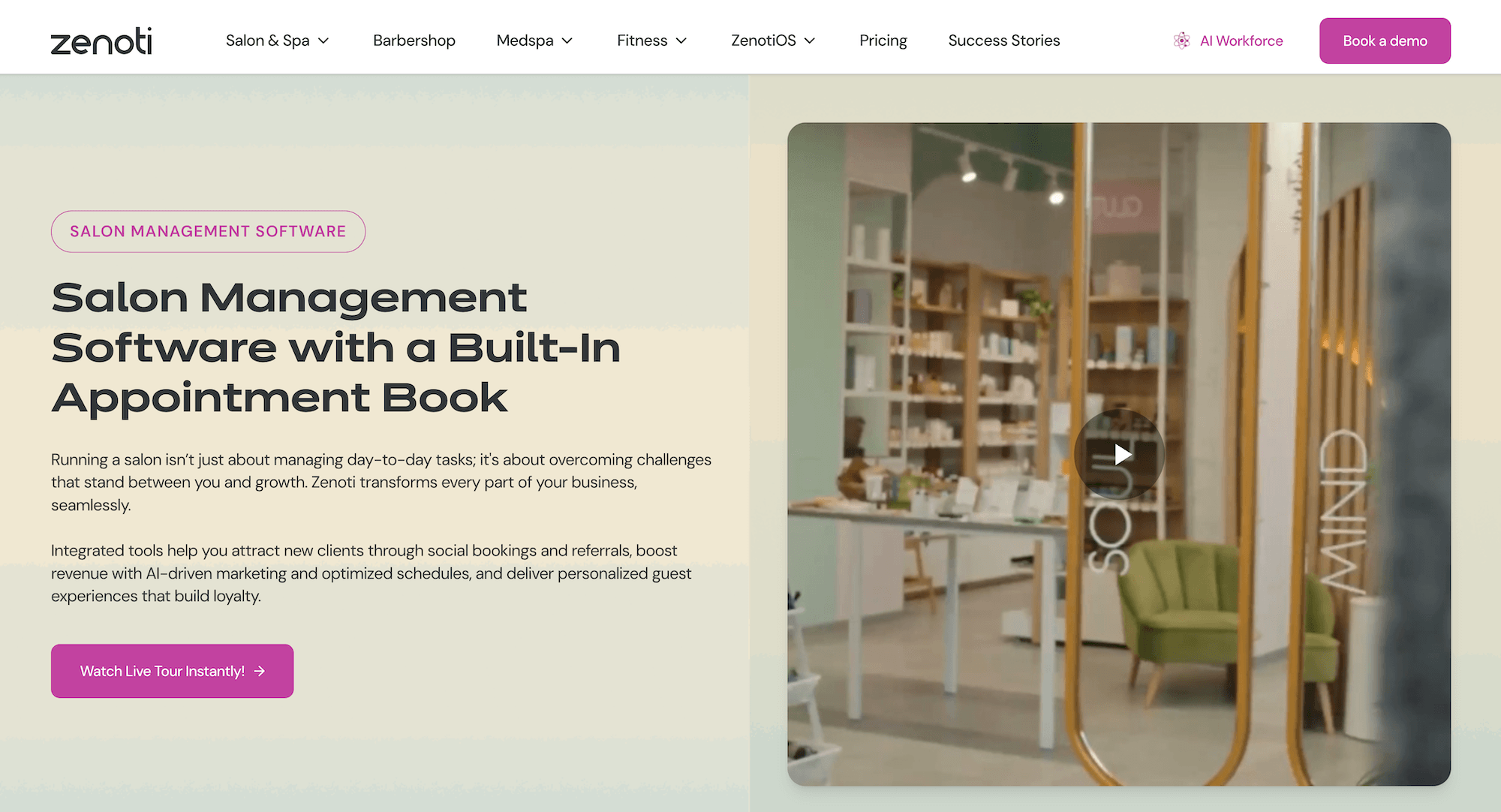
Zenoti is a salon management platform that handles booking, payments, marketing campaigns, inventory tracking, and payroll in one place. It serves beauty and wellness businesses, including those with multiple locations, and it has a separate franchise offering.
Here’s how Zenoti handles multiple locations:
- You set services and pricing once for the whole business, and they apply to every location. Each location can still adjust its own settings where needed.
- Each guest has one profile across all locations, and memberships and packages can be used at any location.
- Multi-location reporting is available at the location, region, or organization level, and access is set by role.
3. Mindbody: Software for Businesses in the Fitness, Wellness, and Beauty Industries
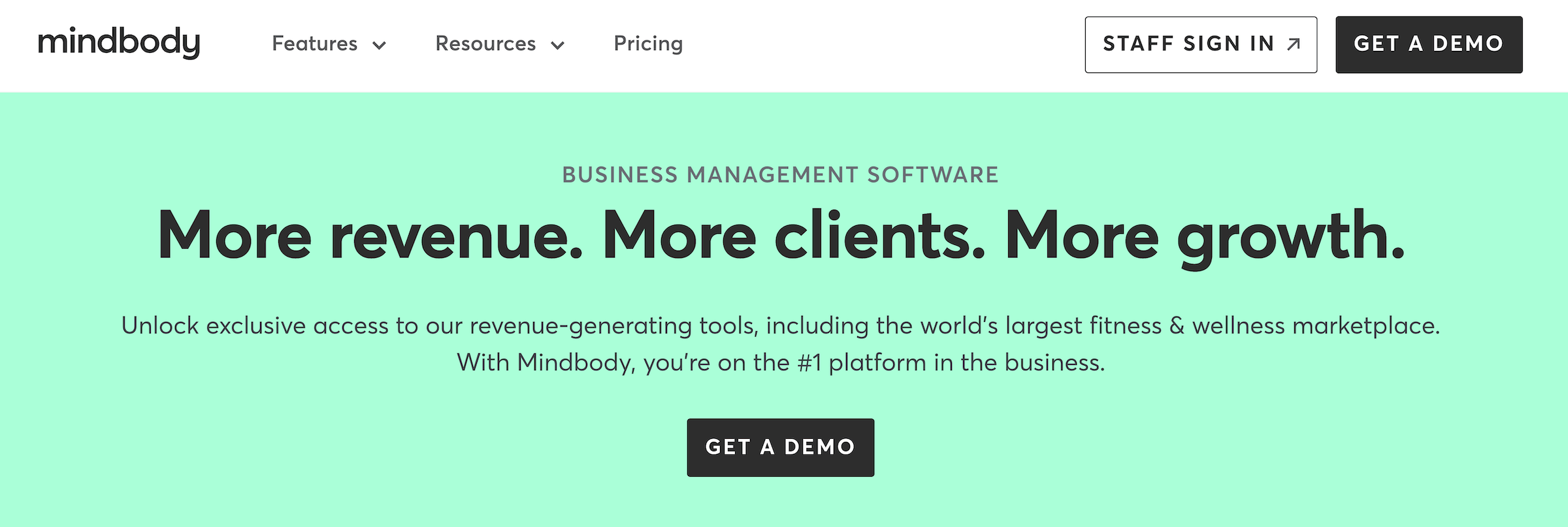
Mindbody is business management software that covers scheduling, booking, marketing, staffing, payments, and reporting and analytics. It serves fitness, beauty, and wellness companies, and several of its tools are set up specifically for fitness studios, such as class scheduling and class check-in. It also has an enterprise option for brands with multiple locations.
Here’s how Mindbody handles multiple locations:
- Locations, services, and access are managed in one place, with corporate-level controls.
- Role-based permissions across locations control who can view or change areas such as dashboards, reports, and key settings.
- Performance can be tracked across locations and drilled down by region or site.
4. Boulevard: Software for Beauty Businesses with Several Locations
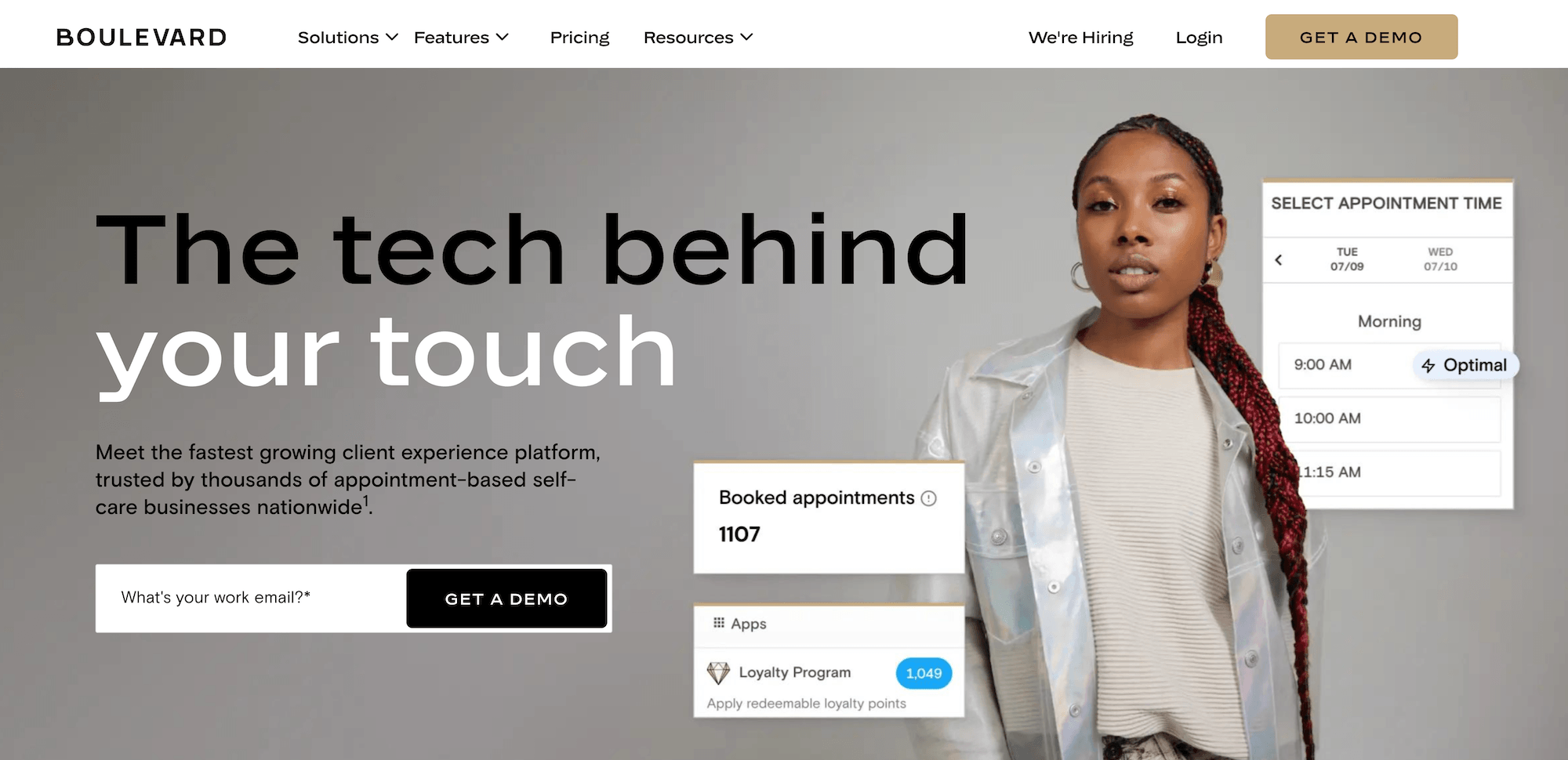
Boulevard is a platform that covers booking, calendar optimization, marketing automation, and payment processing. It serves appointment-based beauty and wellness businesses, including salons, barbershops, and nail salons, and its multi-location tools are aimed at businesses with 2 to 20 locations. It also has franchise and enterprise offerings.
Here’s how Boulevard handles multiple locations:
- Scheduling, reporting, and client data are shared across locations, so owners can see the calendar, numbers, and client records for every location. Reports can be filtered by location.
- Products can be set up once and turned on at every location or only some of them, and stock levels can be viewed by location.
- Gift cards and loyalty points work at every location.
5. MyTime: General Point of Sale and Scheduling Software for Franchises
MyTime is a point-of-sale and scheduling software for multi-location service brands. It serves many industries, including pet grooming and boarding, learning and enrichment services, beauty salons, and barbershops. Because it is general-purpose software, a salon chain should check that it covers salon-specific work, such as stylist commissions and client color formulas. It also has a franchise offering.
Here’s how MyTime handles multiple locations:
- Franchisors choose which tasks are handled at the franchisor level and which are passed to franchisees, and they set access controls for each user.
- New locations are created from a saved template, and franchisors can create standard service menus while letting franchisees set their own prices.
- Revenue and other activity can be viewed at the franchisee group or location level, and royalty reporting is available.
Meevo runs booking, checkout, payroll, inventory, marketing, and reporting for every location in one system, and your team gets hands-on onboarding and US-based support. Book a Meevo demo to see how it would work for your salon chain.