Spa point-of-sale (POS) software is the system a spa uses to check out clients, take payments, and log sales. When a client checks out, the software lists the services from the appointment, applies any discount, adds the tip, and saves the sale under the client’s name and the service provider who performed the treatment.
Spas look for POS software to speed up checkout and record sales efficiently. But POS software alone doesn’t do that well unless it’s integrated with:
- A payment processor: The company that charges the card and deposits the money in the spa’s bank account.
- Spa management software: The system that runs the rest of the spa, including the appointment book, online booking, client profiles, memberships and packages, reports, and marketing.
Many spa platforms include the POS and the spa management software together. However, the payment processor is often a separate company, even when it’s sold under the software company’s own brand name. That means checkout depends on two companies’ systems instead of one, and either one can experience unplanned downtime. Questions about a deposit or a charge also go to two support teams instead of one.
That’s why it’s worth looking for software that combines all three, like Meevo.
Meevo includes its own in-house payment processor, MeevoPay. MeevoPay handles everything related to payments, including reconciling deposits and disputing chargebacks, so you never have to contact a separate company.
In this guide, we take a close look at Meevo, our POS and spa management software built to reduce the work it takes to run a spa and includes tools that help increase revenue. Then we cover other spa POS options, including some that do only part of the job, so you can compare how each one works.
Schedule a Meevo demo to see how we combine the POS, payment processing, and spa management tools in one system.
Meevo: Spa POS System Built to Manage Your Entire Business
Meevo is a software that combines POS tools, spa management, and its own payment processor, and it’s built for businesses with multiple service providers at one location or many. It brings checkout, appointment scheduling, reporting, and client management together in one system.
- Clients get a simple checkout experience. Everything from the visit goes on one bill, including membership and package credits, and checkout takes only a few clicks.
- Meevo is easy to use. Membership discounts apply automatically, and swapping or splitting credits is part of how the register works. An AI-powered search bar also takes staff to any screen when they type or say what they need.
- The software helps grow and protect revenue. An automated wait list helps keep the schedule full, and the register prompts staff to rebook clients and remind clients to reorder products at checkout. Detailed reports and marketing tools also help owners make smart decisions to increase sales and keep clients coming back.
Below, we start with Meevo’s checkout and payments, then look at the rest of the system.
Want to see how checkout, payments, and spa management work together in one system? Book a demo to see Meevo’s register, MeevoPay, and booking tools in action.
POS and Payment Processing Is Fast, Simple, and Reliable
Payment is the last thing a client does before they leave the spa, so a quick checkout shapes how they remember the visit.
MeevoPay, Meevo’s in-house payment processor, has a guaranteed uptime of 99.95%, and its actual uptime is even higher.
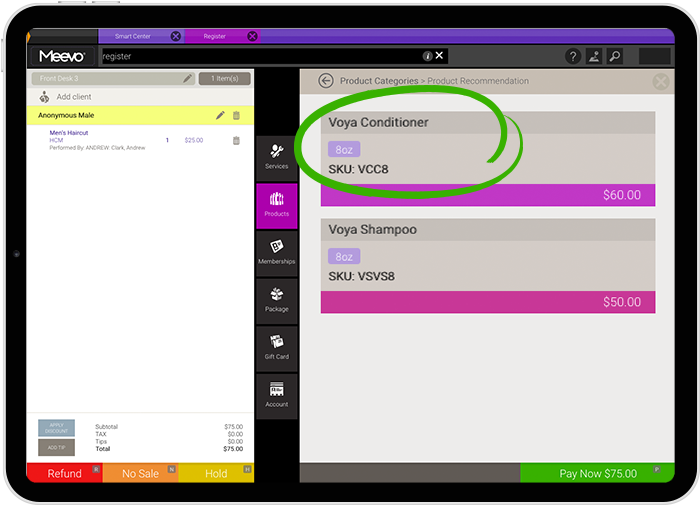
Plus, the register is part of the appointment book, so all services booked are already on the bill, and checkout only takes three clicks and a tap or swipe. Clients can pay with all major credit and debit cards, plus Apple Pay, Google Pay, and Samsung Pay.
View this post on Instagram
“I love MeevoPay. It just integrates so much better with our business than anything else we’ve ever used.”
– Hollie Haskins, Owner & Master Stylist, Session Salon
Here are the other features in Meevo’s POS and payment tools:
- The whole visit goes on one bill, no matter how many service providers the client saw. For example, a client who got a massage and a facial with two different service providers pays one time instead of paying separately for each service.
- The register prompts rebooking and product reorders at checkout. Before the client leaves, the register brings up the next available appointments, and the next visit can be booked on the spot. It also shows when a product is due for a refill based on past purchases, so the front desk doesn’t have to remember who bought what.
- MeevoPay fights chargebacks for you, so you don’t have to do it on your own. Our team wins about 53% of the time, compared to an industry average of 35% to 40%, and the chargeback rate stays under 0.02% of transactions. MeevoPay Shield also protects online payments with AI-powered fraud detection.
- Cards on file make payment more convenient for clients. Clients can save a card for future visits, so they don’t have to take out a card each time, and checkout takes even less time.
- MeevoPay Now pays out your money when you ask for it. Eligible funds can reach your bank account in minutes, including on weekends and holidays, instead of waiting for the regular next-day deposit. The speed depends on your bank supporting the real-time payment network.
The first MeevoPay card terminal is free, so you can set up a checkout station without buying any hardware.
MeevoTips Gets Service Providers Paid the Same Day
MeevoTips is the built-in digital tipping system in Meevo’s POS. Clients add a tip in a few taps on a screen at checkout.
Here’s what MeevoTips does for tips and for your spa:
- Suggested tip amounts lead to bigger tips. Clients see preset tip options and can tap one or enter their own amount. Tips go up 22% or more on average with MeevoTips.
- Service providers get their tips the same day. They don’t have to wait for payroll to receive the tips they earned.
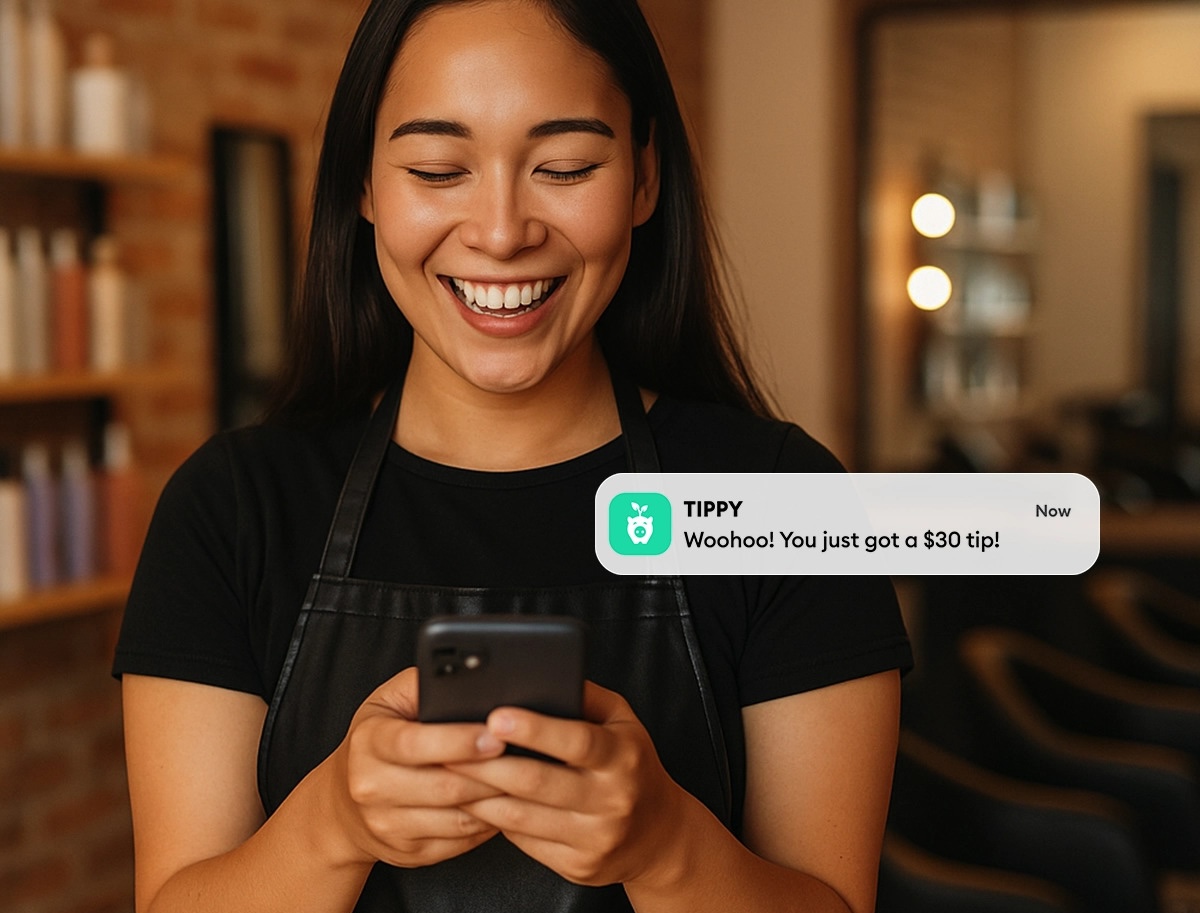
Higher tips and faster payouts make service providers happier with their jobs. That helps a spa keep its best staff, which saves the time and cost of hiring and training replacements.
Memberships and Packages Are Simple to Handle at the Register
Memberships and packages are built into Meevo, so staff can sell and redeem them easily at the register. Membership discounts apply automatically at checkout, and the register prompts staff to apply a package when it covers the service.
Meevo also takes care of the details and ongoing work that comes with memberships and packages:
- Credits can be swapped or split at checkout, so staff don’t have to figure out how to ring them up. A client can use part of a package credit and keep the remainder for a later visit, or trade one service in their package for another. Meevo applies the credit and keeps track of the remaining balance and any price difference, so the client can pay without extra steps.
- Membership, loyalty, and gift card balances show on the client profile at checkout. Staff can see what a client still has to use without looking anywhere else or asking the client.
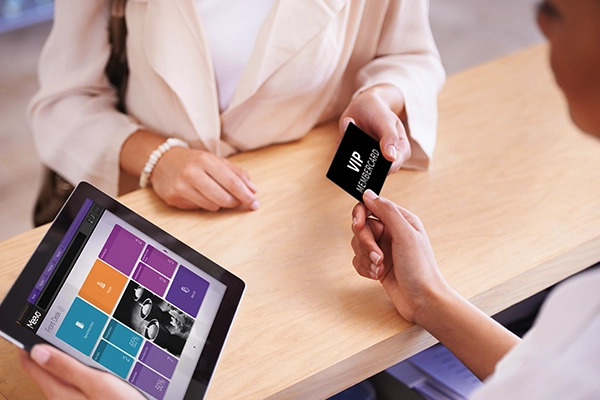
- Membership dues are charged automatically. Each member is billed without anyone at the front desk running the charge. You can also set a fixed billing date for new memberships. If a membership payment is declined, Meevo tries the card again automatically.
- Memberships and packages work at every location, so clients can use their remaining credits at whichever of your spas they visit.
Booking Tools Fill Open Appointments and Raise the Average Ticket
Meevo’s POS works together with its booking tools, which handle everything that happens before a client reaches the register.
Clients can book online 24/7, from your spa’s own website or from the booking button on your Google Search and Maps listing. Online booking also works for groups of up to five, and Meevo assigns a service provider and room to each person.
Staff see every booking in a color-coded appointment book, and they can drag and drop an appointment to move it. The first time a client books, Meevo creates their client profile, and the same history and notes show up at every one of your locations.
Here is what else Meevo’s booking tools do:
- The AI Receptionist can book, reschedule, and cancel appointments over the phone. It can handle several services in one call. If it can’t help, it offers to transfer the caller to a person. You choose whether it’s on all the time or only after hours.
- Meevo checks rooms and equipment before it books an appointment. A time only shows as open when everything the service needs is free, including couples rooms. Meevo can also rotate appointments across rooms so each one gets even use.
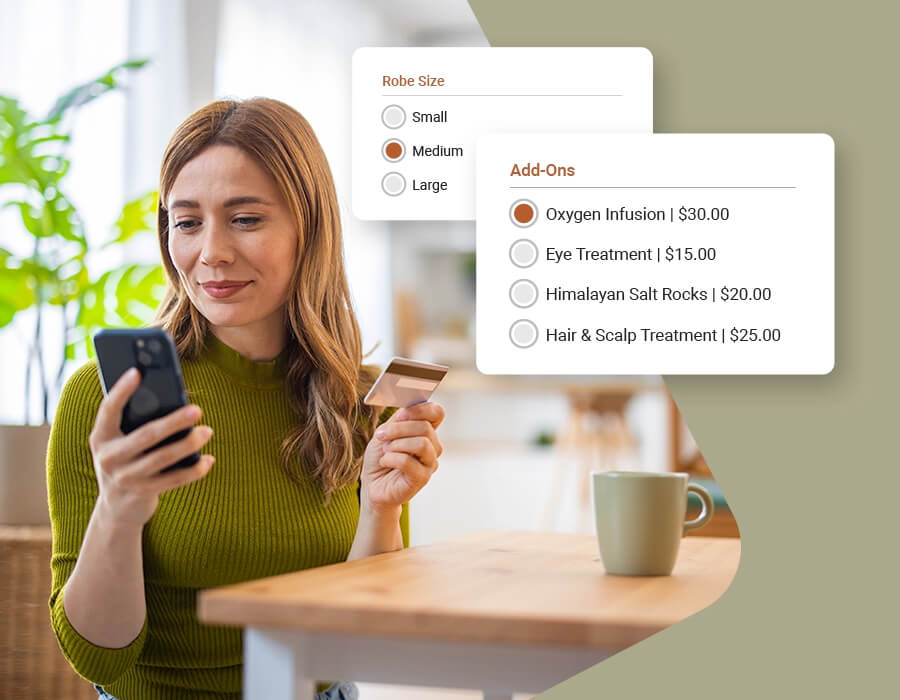
- Meevo suggests add-ons while clients book. Clients can add one before they confirm, and spas that use these suggestions see their average ticket go up 10% to 20%. Service providers can also add one during a service, like a scalp massage during a facial, so the bill is already right at the front desk.
- Intake forms go out automatically. Meevo sends the form that matches the service the client booked, and the completed form saves to the client’s profile.
- The waitlist fills cancellations on its own. When a time opens up, Meevo texts the clients on the list one at a time until someone takes it, and you can move VIP clients to the front.
- No-show and late cancellation protection is built into booking. You can require a deposit or a card on file when a client books, and clients agree to your cancellation policy. Meevo sends a reminder by text or email, and clients can confirm or reschedule right from it. Spas that require deposits have virtually eliminated no-shows.
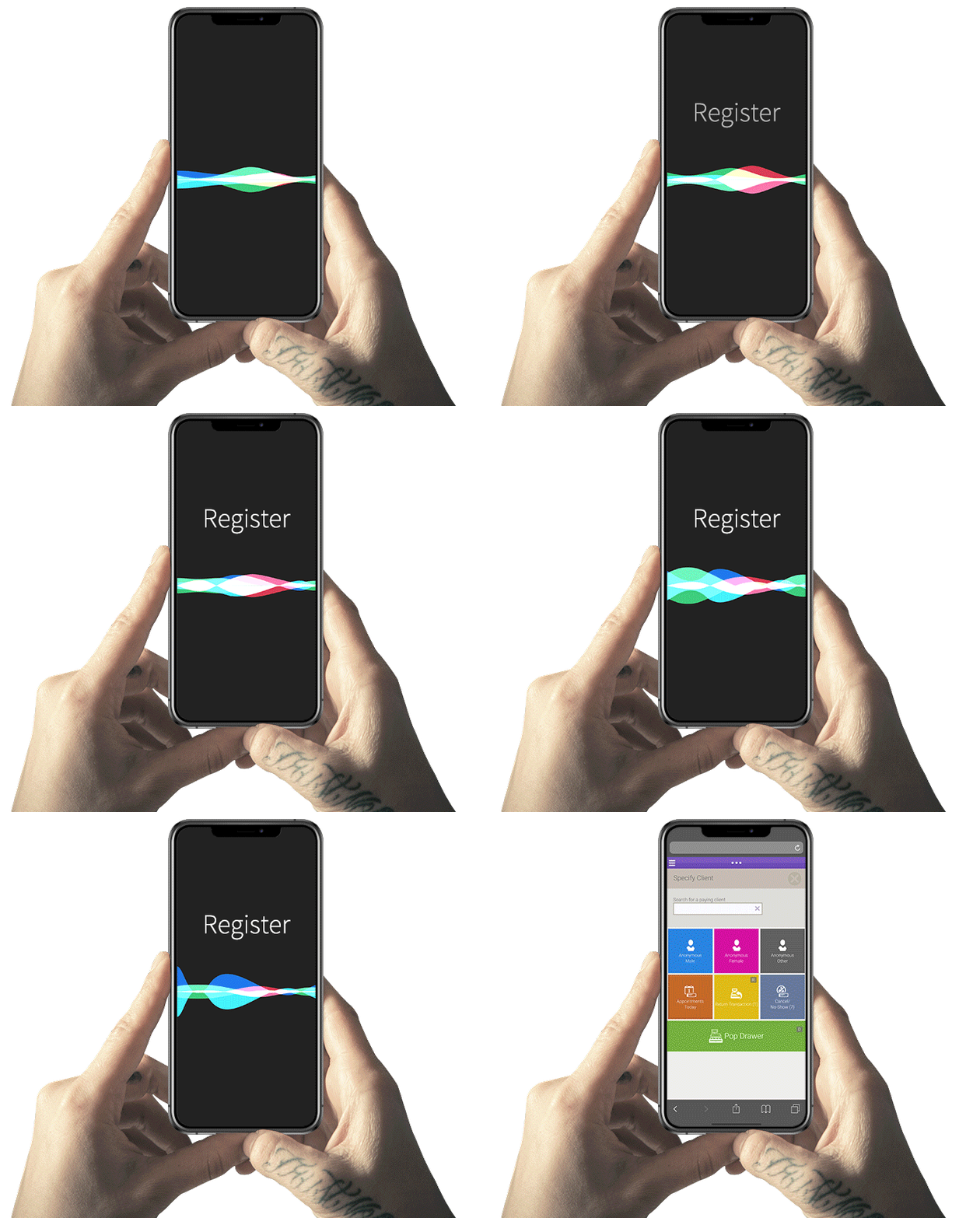
- Convobar® is Meevo’s AI-powered search bar that understands everyday language. Staff type or say what they need, like “60-minute facial Friday afternoon,” and Convobar shows the matching openings. Staff can also use it to jump to a client, the register, or any other screen, making it quick and easy to get around the system.
Reports Show Which Staff and Services Earn the Most
Meevo has more than 150 premade reports built specifically for the beauty industry, so they track the numbers that matter most to a spa. They show how each part of your business is performing, including things like membership sales and which service providers and services need attention.
- The KPI report puts each service provider’s key numbers in one place. It includes sales, rebooking rate, average ticket, new clients, visit frequency, client retention, and productivity. That way, you don’t have to open several reports to see how your team is doing.
- The Sales Rankings report ranks your best sellers, so you know what’s working. It lists your top services and retail products, along with your top service providers and most loyal clients, so you don’t have to pull several reports to find out.
- The Liability Summary tracks what clients have paid for but haven’t used yet. It lists outstanding package and membership balances, and it also includes loyalty point details. That shows how much prepaid service your spa still owes clients.
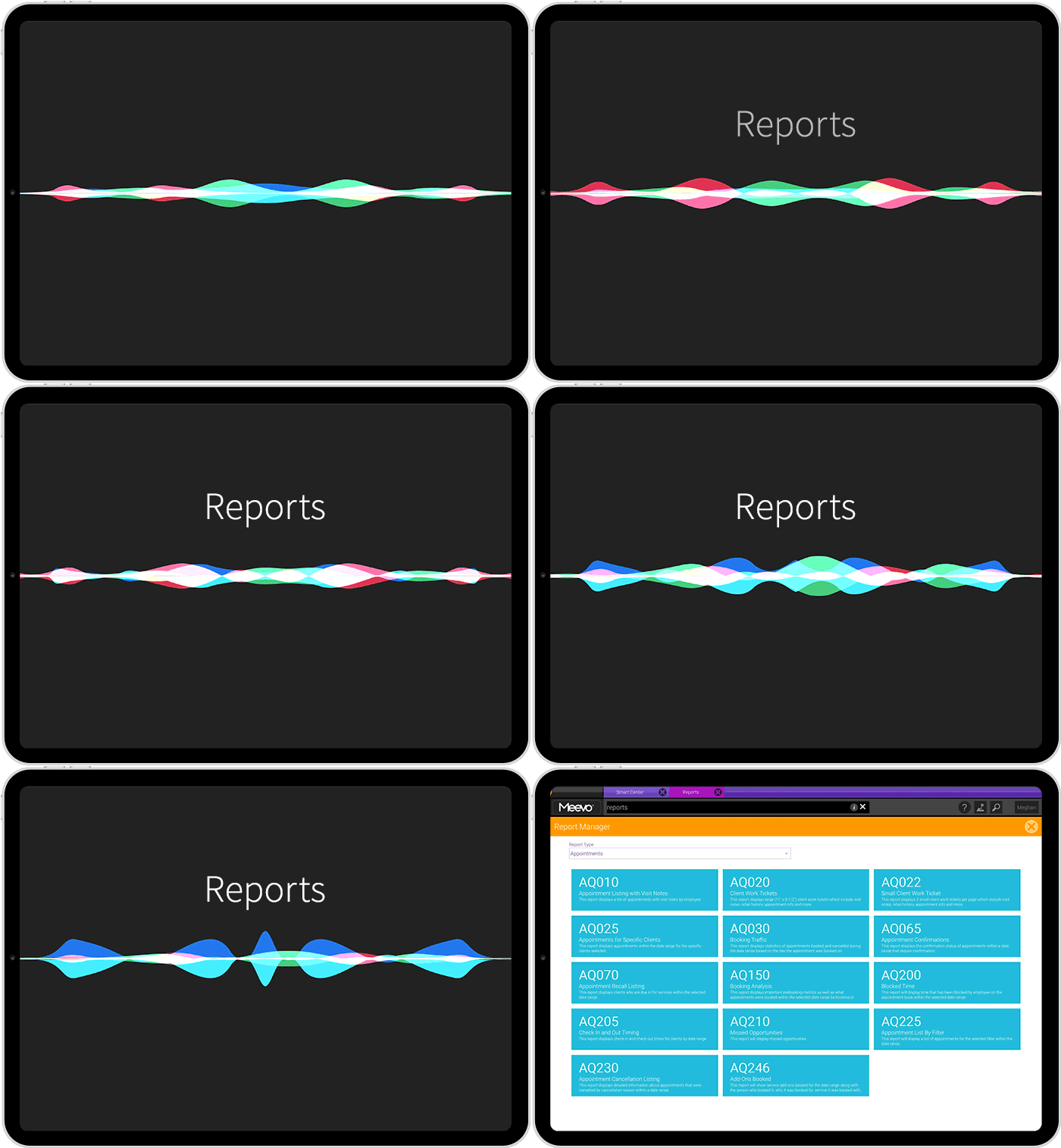
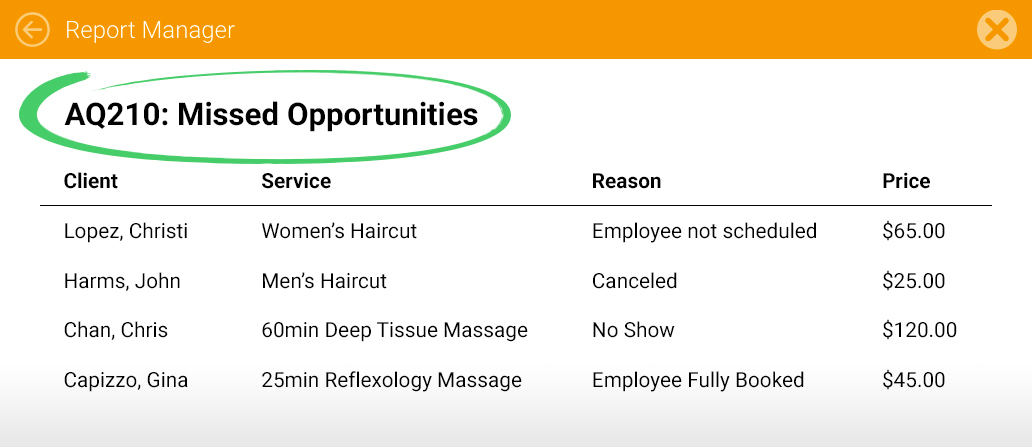
- The Missed Opportunities report tells you how much revenue you missed out on when wait list requests went unfilled. It points out the times and services clients wanted more than your schedule offered, so you know where adding openings would earn you more.
- Performance Dashboards turn your numbers into charts and graphs, which means you can spot trends more easily. You can see how a service category or client retention has changed over several months, then decide where to put your marketing budget and staff hours.
- Smart Center is a dashboard that opens as soon as each employee logs in. It’s made of tiles, and each tile shows one thing, like live sales or today’s appointments. You choose which tiles each role sees, and you can start from a template or build your own. For example, an owner can see spa-wide numbers, and a service provider can see their own schedule and goals, so no one has to dig for what they need.
On top of that, the Business Intelligence (BI) app lets owners check their key numbers on their phone. It shows business and employee data in real time and lets you compare date ranges or locations, so you can see how the spa is doing without opening the full Meevo platform.
Marketing Tools Bring In New Clients and Bring Back Existing Ones
Meevo’s marketing tools are part of the same system as your register and appointment book, so they already have each client’s visit and purchase history. That means you can reach the right clients without setting up a separate marketing program, which helps bring in more bookings with less manual work.
- Email and text campaigns go to client groups Meevo builds from your records. The groups include new clients, overdue clients, birthdays, and loyalty members, so an offer for members reaches only members. Templates and a built-in AI writing assistant help you write the message, and you can test two subject lines against each other to see which one gets more opens.
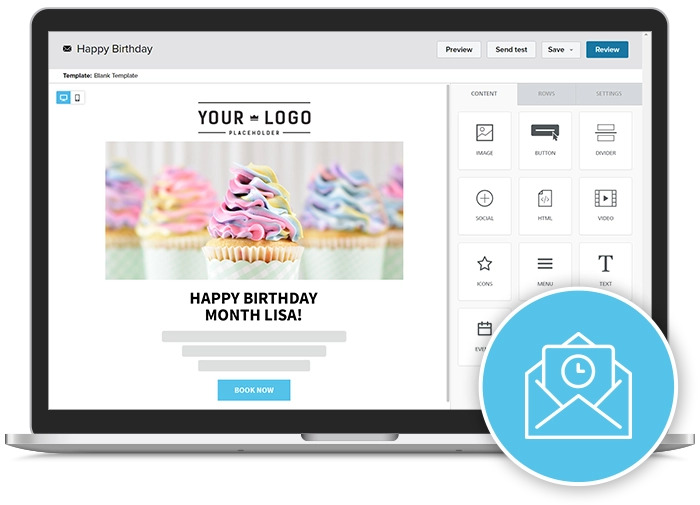
- Journeys send a series of emails and texts for you, so follow-up doesn’t depend on anyone remembering. You can use one to promote memberships or welcome new clients. For example, a client might get a thank-you email after a visit and a text with a rebooking link a few weeks later.
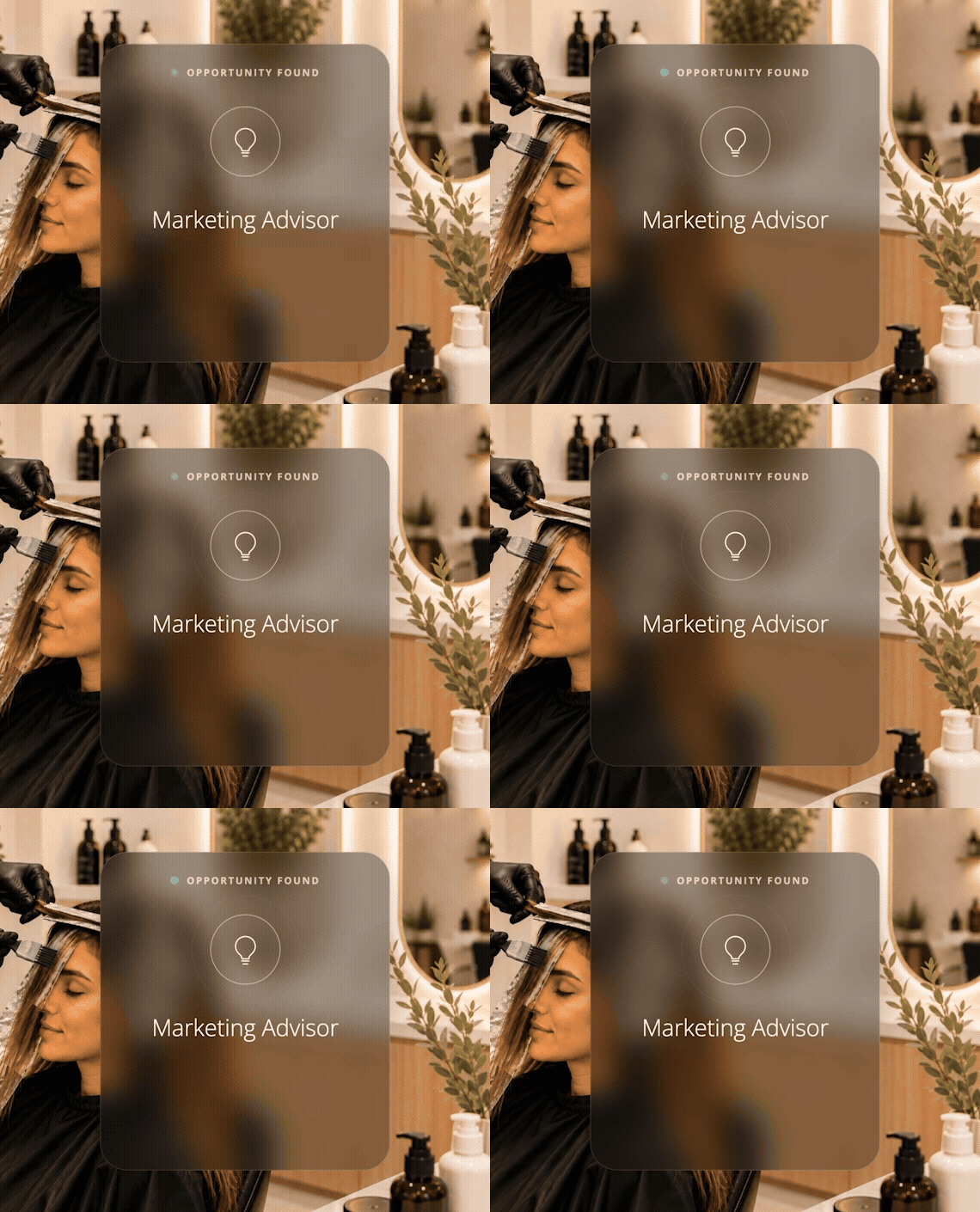
- The AI Marketing Advisor finds where your spa is missing revenue and builds the offer for you. For example, it might notice that many of your massage clients have never booked a facial and suggest a discount on their first one. Each suggestion lists how many clients qualify and how much estimated revenue you could generate. Nothing goes out until you approve it, and Meevo tracks what each offer earns.
- Meevo puts all your reviews in one dashboard, so you can reply without logging in to each site. You can also ask clients for reviews, read the ones from Google, Yelp, and other sites, and respond from the same place. Built-in AI helps write your replies.
- You can update your business listings on Google, Yelp, and other sites from Meevo, so new clients find the right information when they search. Meevo also tracks how you rank in local search and how your ratings compare with the competitors you add. You can post to your Facebook page and Google Business Profile from Meevo too.
“The texting, marketing, all the different things that are there. Just when you think you might need another program for things like that, all of a sudden Meevo’s doing it.”
– Christi Newell, Co-Owner, A Glo Salon & Spa
Choosing POS software for a spa with several service providers? Request a free demo to see how Meevo’s POS and spa management tools work for a busy spa.
Other platforms cover the three parts of spa POS software differently: the POS software and hardware, the payment processor, and the spa management software. For each option below, we explain which parts it includes and its key POS features.
Square Appointments: A General Retail POS
Square started as a mobile card reader for general retail. That gave it the hardware and its own payment processor, and its POS software grew from there. Later, Square added business management tools through Square Appointments, including things like online booking, client profiles, reports, and marketing.
Square wasn’t built specifically for the beauty and wellness industry. It serves retail stores, restaurants, and many other kinds of businesses, including spas. As a result, its tools aren’t specific to spas.
Square’s POS features include:
- Square sells its own card hardware, including an all-in-one terminal. The Terminal has payments and a receipt printer built in, and the Register has two screens for checkout. A small reader that pairs with a phone or tablet takes contactless and chip payments. New Square accounts get one free reader, but it only takes swiped cards.
- Square’s loyalty program runs from the POS. You can set up your own program, enroll clients, and redeem rewards at checkout. Square Gift Cards are also accepted as a payment type.
- Square can collect appointment deposits and charge no-show fees. A deposit is paid ahead of the visit. You set a cancellation policy, and Square applies a fee when a client misses an appointment.
Small or new spas often choose Square because it has a free plan. That plan is made for solo professionals, and the tools included are fairly basic. For example, it doesn’t include booking for more than one staff member, and it has no email or text marketing. Even on its paid plans, though, Square’s tools often offer less depth than software built for spas.
Clover: A General POS Without Spa Management Software
Clover is a general purpose point-of-sale system with its own card readers, used by many kinds of businesses. It covers two of the three parts of spa POS software: the POS software and hardware, and the payment processor. It doesn’t include the third part, spa management software, so booking comes from third-party apps in the Clover App Market.
The system is designed for any small business that takes card payments—its tools aren’t built around how a spa runs.
Clover’s POS features include:
- Clover sells its own card hardware. Its counter systems include a screen for clients, and Clover also sells smaller and handheld devices for taking payments away from the front desk.
- Clover builds a client list from card sales. Each client record lets you add notes, so you can keep details about a client in one place without extra software.
- Clover offers a separate Promos app that sends offers by text or email. You can use it to bring clients back.
Spas that need online booking add a third-party booking app from the Clover App Market. That puts booking, client history, and sales in separate systems for one visit, which can mean more manual work for staff.
Phorest: Spa POS and Management Software With a Third-Party Payment Processor
Phorest is a spa and salon software with its own POS and integrated card terminals. It also includes spa management software, so it covers two of the three parts of spa POS software. The third part, the payment processor, comes from another company.
Phorest’s POS features include:
- Phorest’s card terminals are integrated with its POS, and the payment processing isn’t in-house. Payments run through PhorestPay, which is built on Stripe. That means a separate company handles the payment side.
- Checkout opens inside the client’s appointment. Staff can adjust the booking and add retail products before taking payment, and the client’s payment history and loyalty points are on the same record.
- Phorest charges membership payments automatically. Memberships can give clients credit to spend or a set number of services, and staff can apply the balance to the bill at checkout.
Beyond those features, Phorest takes a fee of roughly $1 from clients on each online booking. Phorest keeps the fee, and spas can’t change the amount.
Stripe: Payment Processor and Card Readers, Without POS or Spa Software
Stripe is a payment processor used across many industries. Many businesses start with it because it’s easy to set up and has no monthly software fee, only a per-transaction rate, so it works well while the business is still small. It charges the client’s card, deposits the money in the spa’s bank account, and supplies in-person card readers through Stripe Terminal. That covers the payment processor and the hardware side of the POS.
It doesn’t include POS software or spa management software. A spa would have to build its own POS app on the readers or connect one from another company.
Stripe’s payment tools include:
- Stripe Terminal readers take tap, chip, and swipe payments. Staff can also take contactless payments on a phone.
- Stripe can save a card taken in person and charge it again on a schedule, though it takes custom work to set up. A developer has to build it and connect it to the spa’s booking and client records.
- Instant payouts are available on request. The money can reach your bank account within minutes instead of waiting for the regular deposit.
Because bookings and sales sit in separate places, staff have to match each appointment to its sale by hand and handle customer management themselves. Finding out who is due back and which clients and services bring in the most money takes extra manual work too.
Spa POS software has three parts: the POS software and hardware, the payment processor, and the spa management software. Meevo brings all three together in one system. Schedule a demo to see how it works in your spa.